
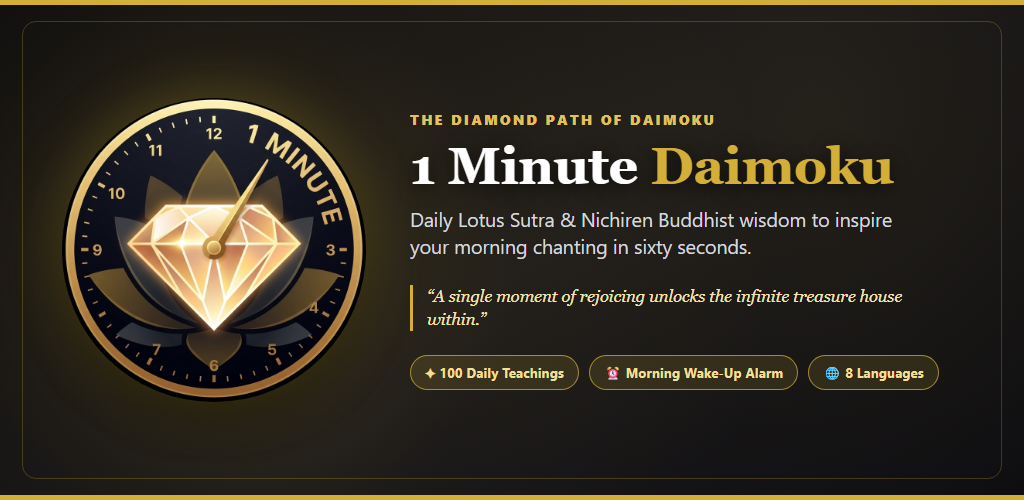
Back in August I announced the creation of my One Minute Daimoku website. Since then it has become the most visited part of 500yojanas.org.
The website has been designed around a carousel of 100 cards. Each card has a block of text from The Diamond Path of Daimoku. On each card are links to a video and a devotional essay that were generated from that same text.
The video and the essay are the source of the One Minute Daimoku moniker. Each day’s video is one minute long and each day’s essay is between 230 and 250 words, the number an average reader can consume in one minute.
Over the months after I launched the website I tried to visit each day. I find the longer essays inspiring. Unfortunately, I would miss a day or two and then have to catch up.
What I needed was an alarm to remind me to read that day’s message. Sure, I could set an alarm on my phone to remind me but I was still likely to dismiss the alarm without launching the web browser and visiting the page.
In case you haven’t recognized it, I’m an early adopter of all things AI and especially Google’s suite of AI tools. My desire to find a way to automatically read the daily 1 Minute Daimoku essay gave me an opportunity to try Google’s Antigravity app.
I installed the app on my Windows work computer, started a new project and told Antigravity:
I have a website that creates a daily message about the teachings of Nichiren. I want to convert this to a mobile app that will pop up the same information daily. Users can select the time, but the default will be 8am local time. The website files are stored in Google Drive at NotebookLM\1 Minute Daimoku\website\1md
Antigravity generated an alarm app that incorporated all of the website files. But I decided that wasn’t the best idea since any change I made in the website would require an update to the app. I told Antigravity:
I want to rethink how the app gets its content. I want the app to get as much as possible from the existing website at https://www.500yojanas.org/1md/ The app settings for when the pop up is triggered needs to be stored in the app, but the content for the popup should come from the website. Would this reduce the size and complexity of the app?
Antigravity responded:
Yes — significantly. Moving the content to https://www.500yojanas.org/1md/ reduces both the size and long-term complexity of the app, and gives you a single place to maintain your content.
I had a working app on my Android phone that day. The next day I had an iPhone app my son could try out.
The app I designed had only one option: When to trigger the alarm. When the alarm sounds the text from that day’s Diamond Path of Daimoku carousel is displayed. It shows up on the lock screen or pops up if you are using your phone. Once the user clicks the “dismiss the alarm” button the user is shown a button that will take them to the website. They can also dismiss the app at this point.
My son didn’t like being locked into the current day’s content. He wanted to be able to start at Day 1 and work his way through the 100 days consecutively. So I went back to Antigravity and added the ability to choose where to start. Now you can use the default current day or Day 1 or start at any point in the 100 days. In addition, if you select a special starting day, the app tracks whether you actually visit the content for that day. If you don’t visit the day’s content, then the next day the app will take you back to that day. It will only advance to the next day after you read the material.
I am really enjoying the app. After the installation and initial setup it works great. In order to make this available on the Google Play Store I need to find some Android phone users willing to test the app.
For a personal Google Play Developer account, Google requires:
- At least 12 testers
- Opted in continuously for 14 days on a Closed testing track
Important Rules for How Google Counts the 12 Testers
- Must be on the “Closed testing” track: Internal testing and Internal app sharing do not count toward the 14-day requirement.
- All 12 must click “Accept invite” (Opt-In): Just typing 12 email addresses into your list does not start the timer.
- The 14-day countdown on your Play Console Dashboard starts only after the 12th person opens your invite link, clicks “Accept invite,” and installs the app.
- Keep the app installed for the full 14 days: Ask your 12 testers not to uninstall the app during those 14 days and to open it at least a few times (including when you push any update).
I’m still waiting for feedback from the Apple Store. My initial request to make the app available was rejected because I’ve never uploaded an app and they wanted more information about why I created it and what it does.
If you are interested in being one of the Android app testers send an email to [email protected] with the subject line, App Tester.